
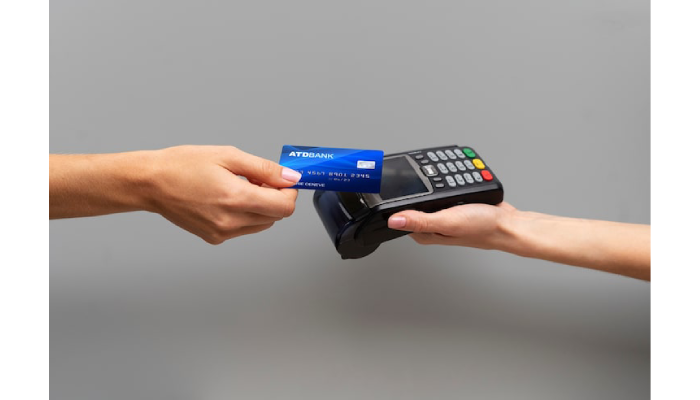
Running a small business in today’s cashless economy demands efficient and reliable payment solutions. With more customers preferring card payments over cash, choosing the right card machine is crucial for smooth transactions, customer satisfaction, and business growth. However, with countless options available, finding the perfect fit can be overwhelming. This guide provides a comprehensive card machine comparison to help small businesses make informed decisions.
Why Choosing the Right Card Machine Matters?
Before diving into specific models, it’s essential to understand why the choice of a card machine is so significant for small businesses:
- Customer Convenience: Modern consumers expect multiple payment options. A reliable card machine ensures they can pay via debit, credit, or contactless methods without frustration.
- Transaction Speed: Slow payment processing can lead to long queues and dissatisfied customers.
- Cost Efficiency: Some card machines come with hidden fees or high transaction rates. Choosing wisely can save significant money over time.
- Integration Capabilities: For businesses using POS systems, inventory management software, or accounting tools, compatibility with card machines is a critical factor.
A proper card machine comparison can help you evaluate each machine based on these criteria, ensuring you select one that aligns with your business needs.
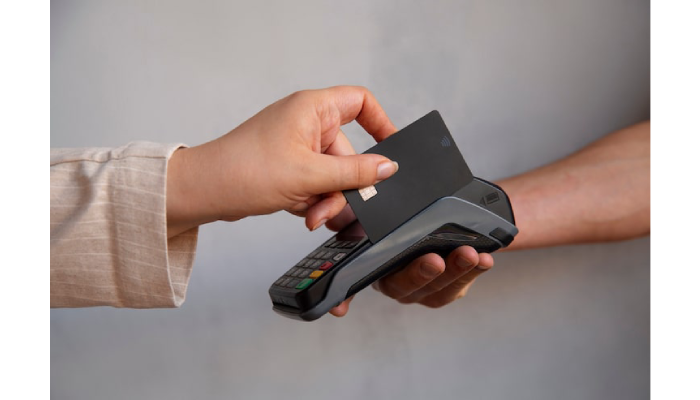
Types of Card Machines for Small Businesses
Small businesses have several types of card machines to choose from, each with unique features. Understanding these categories helps you make a more informed choice:
1. Countertop Card Machines
These are stationary machines placed on the sales counter. They are ideal for stores, cafes, or any business with a fixed checkout location.
Pros:
- Reliable connectivity (wired or Wi-Fi options)
- Supports multiple card types
- Easy to integrate with existing POS systems
Cons:
- Not portable
- Requires a dedicated counter space
2. Mobile Card Machines
Mobile card machines are portable devices that connect via Bluetooth or mobile networks, suitable for businesses like market stalls, delivery services, or pop-up shops.
Pros:
- Portable and lightweight
- Can accept payments anywhere
- Often battery-powered for mobility
Cons:
- Sometimes slower than wired machines
- May incur higher transaction fees
3. Virtual Card Machines
These are software-based solutions that allow card payments through smartphones, tablets, or computers without a physical machine.
Pros:
- No hardware cost
- Ideal for online businesses or home-based entrepreneurs
- Easy to set up and maintain
Cons:
- Dependent on stable internet connection
- Less suitable for high-volume in-person transactions
Key Features to Consider in a Card Machine Comparison
When comparing card machines, consider the following features to find the best fit for your small business:
1. Payment Options
Modern card machines should accept a variety of payment methods, including:
- Credit and debit cards
- Contactless payments (NFC)
- Mobile wallets like Apple Pay and Google Pay
2. Transaction Fees
Evaluate both fixed and variable fees. Some providers charge a flat monthly fee plus a per-transaction rate, while others offer pay-as-you-go models. A thorough card machine comparison should weigh these costs against your business’s typical transaction volume.
3. Connectivity
Reliable connectivity ensures seamless payments. Card machines may use:
- Ethernet/Wi-Fi: Reliable for stationary locations
- GPRS/3G/4G/5G: Ideal for mobile businesses
- Bluetooth: Pairs with smartphones or tablets for portability
4. Ease of Use
The machine should be intuitive for both staff and customers. Features like touchscreens, clear displays, and simple setup processes reduce errors and training time.
5. Security
Payment security is non-negotiable. Look for machines with EMV chip readers, PCI compliance, and encryption standards to protect customer data.
6. Integration with Business Systems
If your business uses inventory management or accounting software, ensure the card machine can integrate seamlessly. This helps streamline operations and reduce manual work.
Top Card Machines for Small Businesses
Here’s a detailed card machine comparison of some of the most recommended options for small businesses:
1. SumUp Air
Best For: Mobile and small retail businesses
Features:
- Compact and lightweight
- Accepts chip, contactless, and magnetic stripe cards
- Low flat-rate transaction fees
Pros: Portable, user-friendly, no monthly fee
Cons: Battery life may be limited during heavy use
2. iZettle Reader (Zettle by PayPal)
Best For: Small businesses with moderate sales volume
Features:
- Bluetooth connection to smartphone or tablet
- Accepts all major cards and mobile payments
- Integrated with Zettle POS software
Pros: Easy integration, flexible pricing
Cons: Requires smartphone or tablet for operation
3. Clover Flex
Best For: High-volume small businesses
Features:
- All-in-one POS and payment terminal
- Supports online orders, inventory, and reporting
- Touchscreen interface
Pros: Versatile, comprehensive features
Cons: Higher upfront cost, subscription required for advanced features
4. Square Terminal
Best For: Businesses seeking an all-in-one device
Features:
- Portable, standalone terminal
- Accepts chip, swipe, and contactless payments
- Integrates with Square POS
Pros: Sleek design, easy setup
Cons: Limited customization outside Square ecosystem
5. PayPal Zettle Go
Best For: Online sellers expanding to in-person sales
Features:
- Simple setup with PayPal account
- Mobile connectivity for portability
- Accepts a wide range of cards
Pros: Familiar brand, fast transactions
Cons: Higher per-transaction fees for some card types
Comparing Costs: Flat vs. Percentage Fees
An essential part of any card machine comparison is understanding how fees affect your business. Most machines charge either:
- Flat Rate Fees: A fixed amount per transaction, easier to predict
- Percentage Fees: A portion of each transaction, better for small ticket items but can add up for larger sales
Small businesses with high sales volume may benefit from flat-rate fees, while occasional sellers may prefer percentage-based plans. Always calculate potential monthly costs before committing.
Tips for Choosing the Right Card Machine
- Assess Your Business Needs: Mobile vendors may prioritize portability, while cafes may prioritize fast processing.
- Consider Transaction Volume: Choose a machine that aligns with your average transaction size and frequency.
- Check Compatibility: Ensure it works with your current POS or accounting system.
- Evaluate Customer Experience: Fast, easy payments improve satisfaction and loyalty.
- Review Support and Warranty: Responsive customer service reduces downtime in case of issues.
Final Thoughts
Selecting the right card machine can significantly impact your small business’s efficiency, customer satisfaction, and profitability. Conducting a thorough card machine comparison allows you to weigh costs, features, and usability to find a solution tailored to your business. Whether you need a mobile device for on-the-go sales, a robust countertop terminal for your store, or a virtual card reader for online and in-person transactions, the right choice ensures smooth operations and happy customers.

Althea Carter is an aspiring writer and storyteller from Kentucky. Her passion for literature and storytelling began at a young age, and now she is an avid blogger and author, sharing her experiences and stories with readers from around the world. When she’s not creating content for her blog, Althea loves nothing more than exploring the complexities of the human experience through theatre, reading, painting, and travelling. She hopes her words and art can inspire others to create, explore, and experience the world around them.